Under Construction
 |
 |
 |
02.03 - MROS and Drivers
AKAINOID makes use of Steinberg's MROS of which you will need a copy of.
Don't worry - you won't need a Steinberg dongle to make MROS work.
In case you don't have the MROS files, you can download the final built of
MROS from Steinberg's FTP server:
ftp.steinberg.net (no user name or password is required)
Go browse the Atari folders on the server and look for the archive
MROS0296.ZIP,
download it and unzip its contents. Copy the file MROS3_45 to
C:\AUTO\ (presumed C: is your boot drive)
and rename it to:
MROS3_45.PRG
Most of the rest of the files in the Steinberg .ZIP archive are MROS drivers
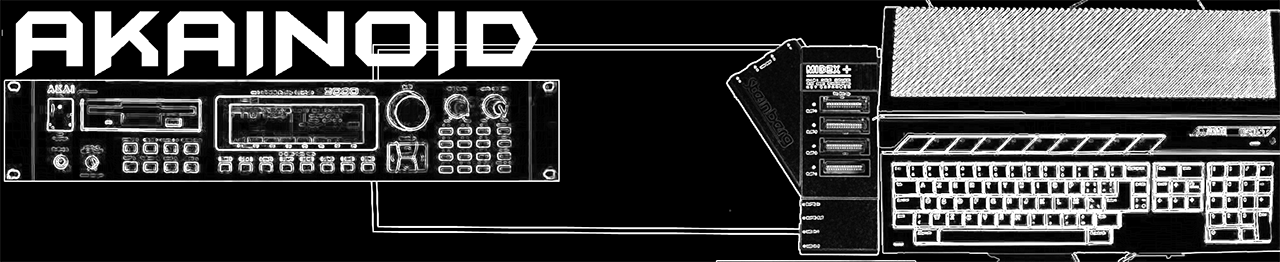
for additional MIDI hardware such as MIDEX+ by Steinberg or UNITOR by C-LAB.
If you own such hardware, copy the corresponding driver file (e.g.
MIDEX115.DR) to your AUTO folder just like with the MROS file above and
rename its extension to:
.PRG as well.
Reboot your Atari and MROS will be loaded during start-up.
Note:
Other versions of MROS should work, too. Just in case you are in possession of an earlier version and can't be bothered to use an FTP client.
|
|
|